# How to create a opendan Ubuntu live from scratch
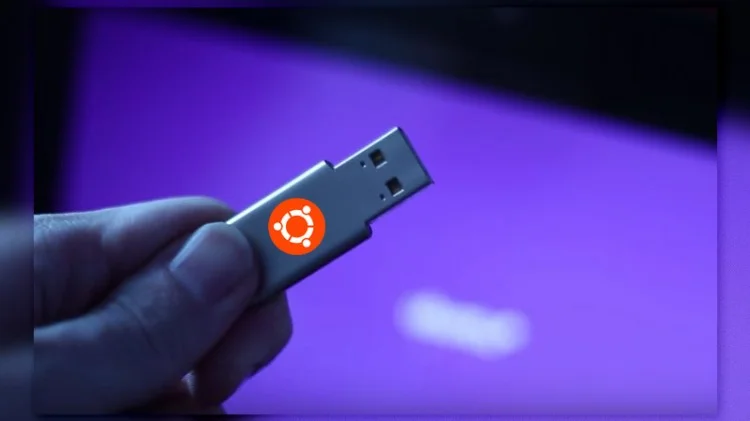
This procedure shows how to create a **bootable** and **installable** opendan Ubuntu Live (along with the automatic hardware detection and configuration) from scratch. The steps described below are also available in this repo in the `/scripts` directory.
## Prerequisites (GNU/Linux Debian/Ubuntu)
- Docker is needed on your system
## Create opendan Ubuntu builder environment
First we run **docker_create_env.sh** to create a container for building the live image.
```shell
sudo sh docker_create_env.sh
```
## Build opendan Ubuntu live image
Then we run **docker_run_build.sh** to generate live image iso. The image built will be copied to `images` directory
```shell
sudo sh docker_run_build.sh
```
## Make a bootable USB image
It is simple and easy, using "dd"
```shell
sudo dd if=ubuntu-opendan.iso of= status=progress oflag=sync
```
## Summary
This completes the process of creating a live opendan Ubuntu installer from scratch. The generated ISO may be tested in a virtual machine such as `VirtualBox` or written to media and booted from a standard PC.
## Contributing
Please read [CONTRIBUTING.md](CONTRIBUTING.md) for details on our code of conduct, and the process for submitting pull requests to us.
## License
This project is licensed under the GNU GENERAL PUBLIC LICENSE - see the [LICENSE](LICENSE) file for details
## Origin
This packaging scripts origins from [live-custom-ubuntu-from-scratch](https://github.com/mvallim/live-custom-ubuntu-from-scratch)